Pinata
DownloadInstall
- Go to the download page
- Choose the latest version
- Download the
-shadedfile - Copy the downloaded file to the folder
plugins/GamesInTheBox/expansions - Restart the server
How to play
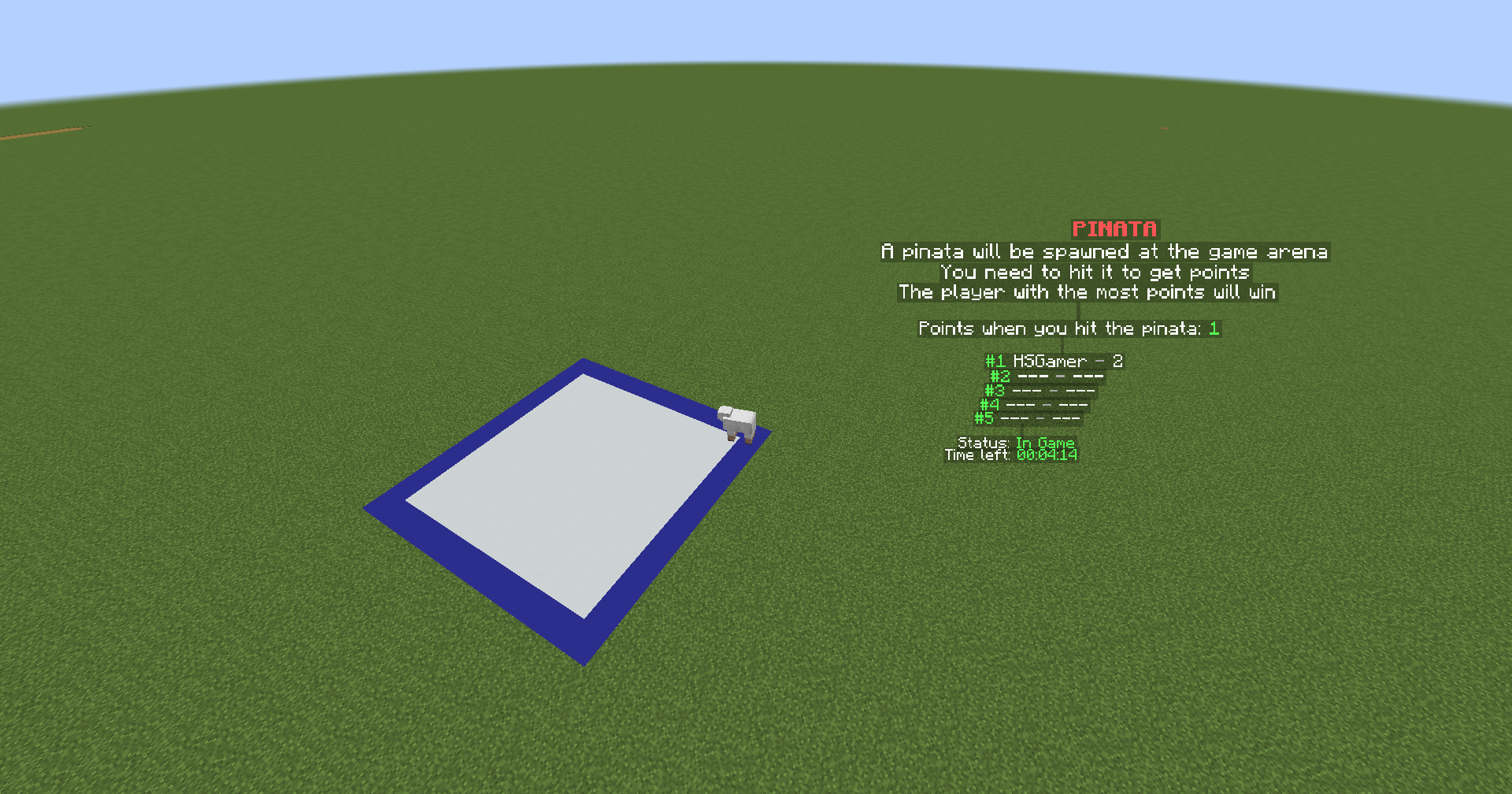
A pinata would be spawned at the game arena. Players must hit them to earn points. Those who have the highest points would win the game.
Set up
- Build a place for the box
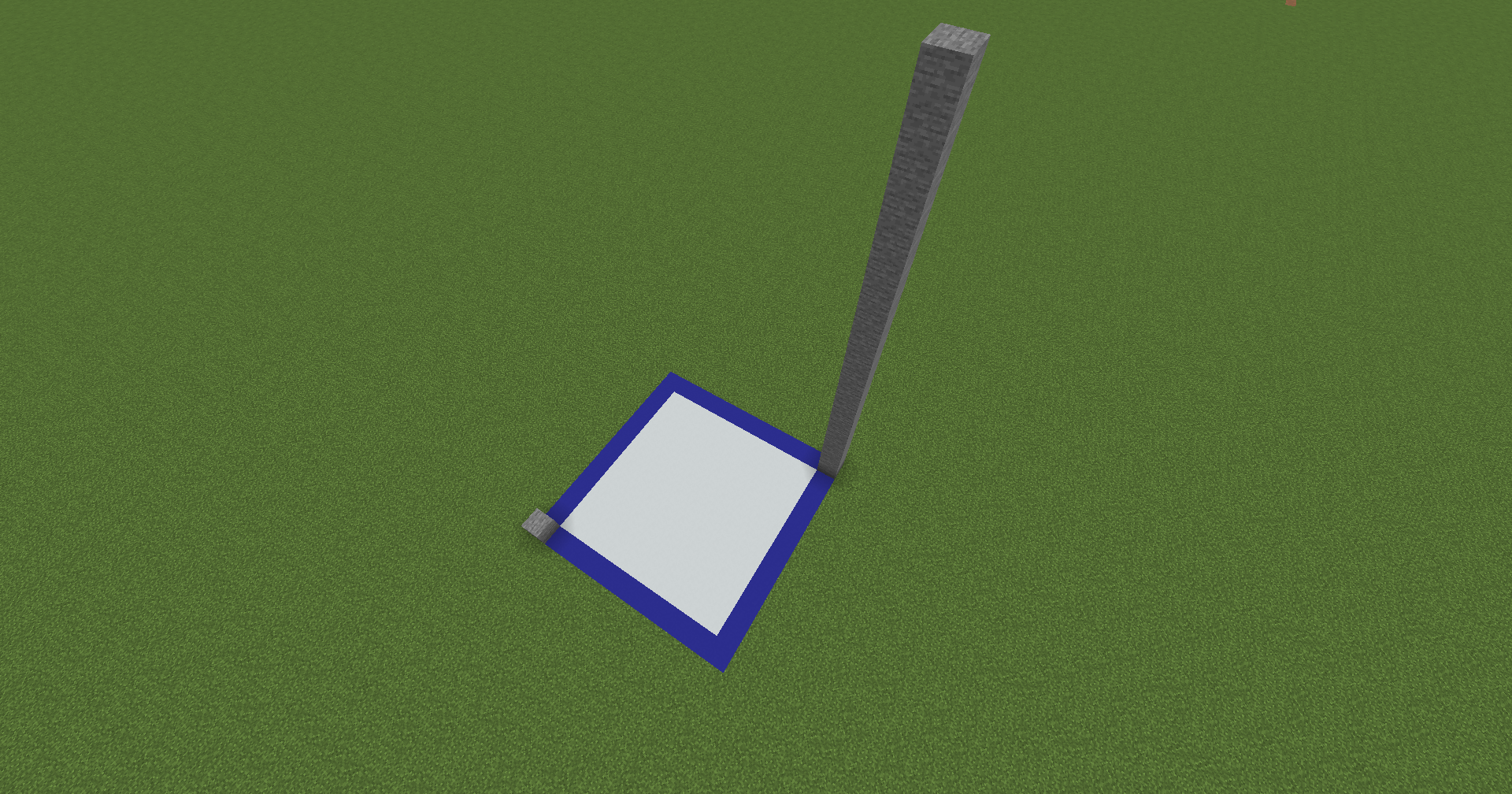
The stones are for the two corners of the box
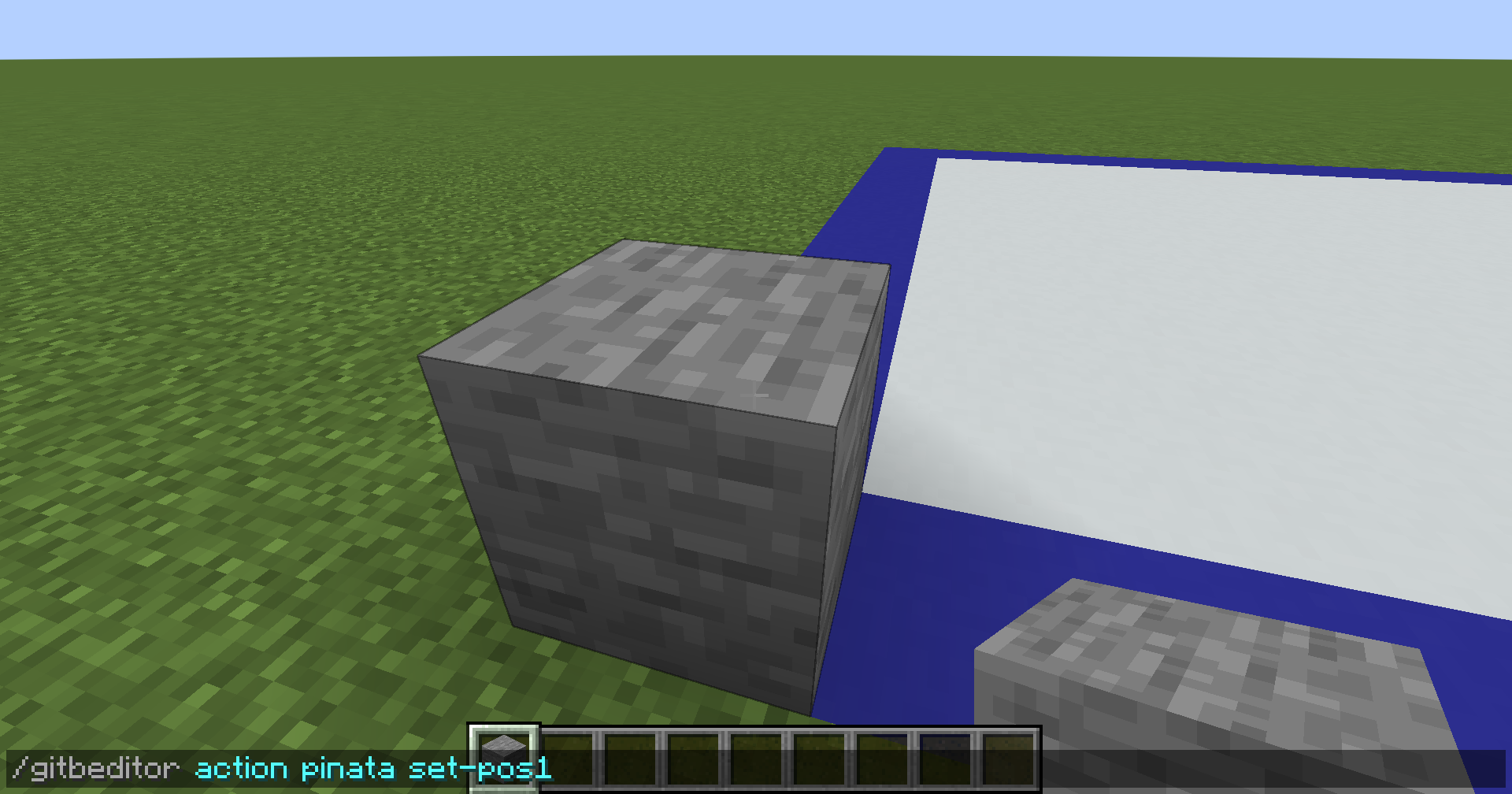
- Look at the first corner and type
/gitbeditor action pinata set-pos1
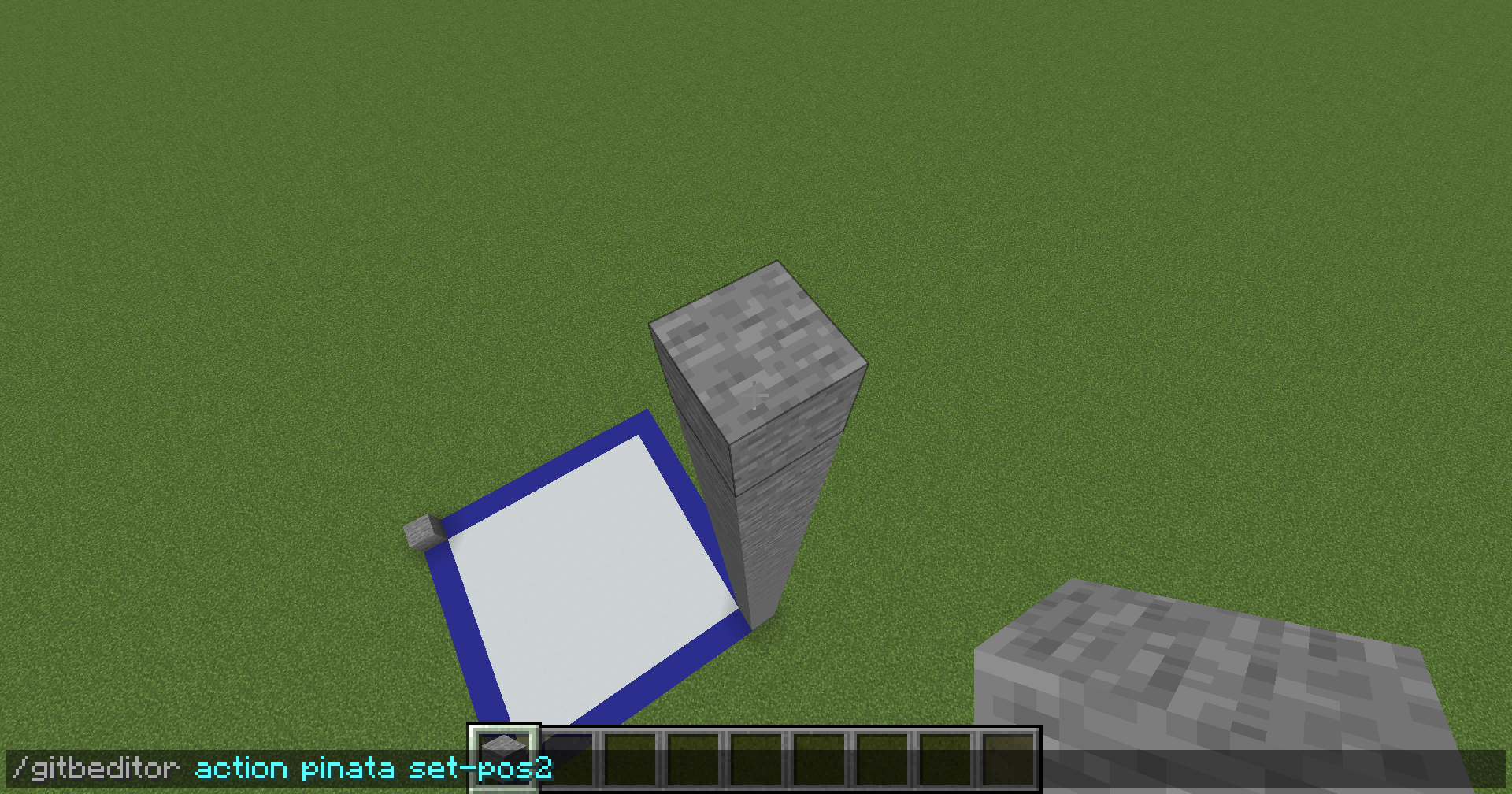
- Look at the second corner and type
/gitbeditor action pinata set-pos2
Configure additional settings
Save the settings as a new arena by typing
/gitbeditor save pinata <planner> <arena>Clear the unnecessary blocks. Your new arena will be available after reloading
Additional Settings
The settings below are available as the actions of the command /gitbeditor action pinata <action> [args]
For example, the action set-point <number> hit is relevant to the command /gitbeditor action pinata set-point <number> hit
Use the command /gitbeditor usage pinata to get the full list of available actions and their usage
Use the command /gitbeditor status pinata to get the status of the settings, including the current values for each one of them
Point
set-point <number> hitto set the points a player would receive when he hit the pinataset-damage-as-point <true/false>to set whether to use the damage value as points
Reward
add-reward <top> <command>to add a new<command>to be executed when the player is at the position<top>
- You can use some placeholders for the
<command>:{top}: Get the top position of the player{name}: Get the name of the player
<top>starts from1. A value of-1indicates that the reward is for all players
clear-reward <top>to clear all commands at the position<top>clear-all-rewardto clear all commands at all the topset-min-players-to-reward <number>to set how many players are required to start the reward
Set the <number> to -1 to disable the limit
Hologram
new-hologramto create a new hologram at your current locationset-hologram-location <index>to move the hologram at the<index>to your current location
The <index> of the hologram starts from 0, and it is provided as the output of the action new-hologram
add-hologram-line <index> <line>to add the<line>at the end of the hologram at the<index>
You can use default hologram lines provided by the default-hologram-lines setting at the file messages.yml in the expansion’s folder
To use these lines, set the <line> to default:<name>, with the <name> indicating the name of the default hologram lines
For example, if you want to use the description hologram lines, the appropriate <line> will be default:description
clear-hologram-line <index>to clear all lines of the hologram at the<index>remove-hologram <index>to remove the hologram at the<index>clear-all-hologramto clear all holograms
Time
set-waiting-time <time>to set the<time>before the game startsset-in-game-time <time>to set the<time>the game runsset-ending-time <time>to set the<time>before the game ends
The unit of <time> is millisecond by default
You can set the <time> in seconds by adding s after the time. For example, 30s is for 30 seconds
Similarly, you can set the <time> in minutes by using m (30m for 30 minutes)
Pinata & Pinata Spawning
set-pinata-type <entity>to set the entity type of the pinataset-ai <true/false>to set whether the pinata has AIset-min-x <number>to set the X offset between the minimum corner of the game box and that of the spawning boxset-max-x <number>to set the X offset between the maximum corner of the game box and that of the spawning boxset-min-y <number>to set the Y offset between the minimum corner of the game box and that of the spawning boxset-max-y <number>to set the Y offset between the maximum corner of the game box and that of the spawning boxset-min-z <number>to set the Z offset between the minimum corner of the game box and that of the spawning boxset-max-z <number>to set the Z offset between the maximum corner of the game box and that of the spawning boxadd-name-tag <name>to add a name tag that would be set to the pinataclear-name-tagsto clear all the name tags
Variable
| Variable | Description |
|---|---|
{game_point} | The points of the player |
{game_top} | The top position of the player |
{game_time_left} | The time left of the game arena |
{game_min_players_to_reward} | The minimum players to start the reward |
{game_point_hit} | The points to give when a player hit the pinata |
{game_top_name_<number>} | The name of the player at the top position <number> |
{game_top_value_<number>} | The value of the player at the top position <number> |
Action
The actions below are used in the command /gitb action <planner> <action> [args]
For example, the command to use the action skip-time is gitb action <planner> skip-time
skip-timeto skip the time on a state of the current arena